
1. Confirm whether the problem is production or monitoring.
If the app shows zero production, check whether the inverter or monitoring gateway also shows an external warning, offline status, or error. A communication failure can make production data disappear even when the solar system is still generating. The reverse can also happen: monitoring may be connected while part of the system is not producing normally.
2. Record the inverter status and any visible error code.
Do not open the inverter. Photograph the display, indicator lights, or error message that is visible from the outside. Write down the model and manufacturer if you can read the label safely. That information can significantly shorten diagnosis.
3. Compare recent production with a meaningful baseline.
Look at the same season or similar-weather periods rather than comparing a cloudy week to peak summer. The Department of Energy notes that sunlight, roof orientation, shading and environmental conditions affect solar output. A sustained, unexplained drop is more useful diagnostic evidence than one low day.
4. Think about what changed around the time production dropped.
Did anyone recently work on the roof, main panel, service equipment, HVAC, or another electrical project?
Storm, tree limb, animal activity, water intrusion, debris, or other visible change?
A monitoring outage may begin after network credentials or hardware changed.
A higher bill can reflect usage or pricing changes even when the array still produces power.
5. Check for obvious external conditions without climbing onto the roof.
From the ground, look for major new shading, fallen branches, visibly displaced panels, or obvious damage. Do not walk on the roof or touch solar wiring. Soiling can affect performance in some conditions, but it should not be assumed to be the cause of a sudden major production failure without evidence.
6. If the system has a battery, note whether the problem affects solar, storage, or both.
Battery behavior can complicate what you see in an app. Record the battery status, state of charge, warnings, and whether backup operation changed. MK3 provides diagnostics for Tesla, Enphase, SolarEdge and other supported battery equipment.
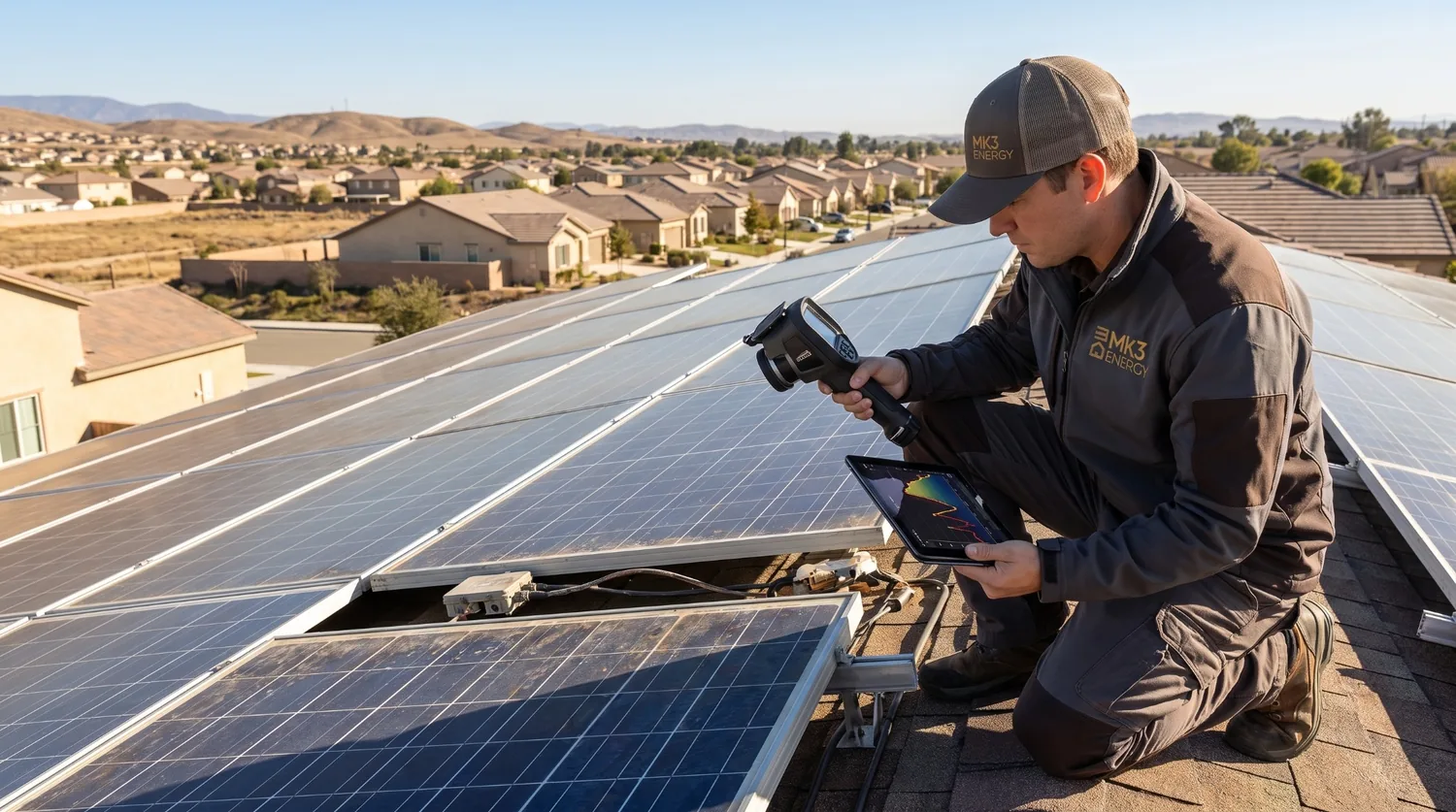
7. Schedule diagnostics when the cause is still unclear.
A qualified diagnostic can inspect production, inverter operation, module-level electronics where applicable, wiring, electrical connections, monitoring communications, battery status, and other equipment to isolate the fault. The correct repair may be very different from the symptom you first noticed.