
1. Figure out who owns the system—and who owns the agreement.
Start with the paperwork. A homeowner-owned system, financed purchase, lease, and power purchase agreement can create very different obligations after an installer closes. The company that sold or installed the system may not be the same company that owns the equipment, holds the loan, bills you, or services the agreement.
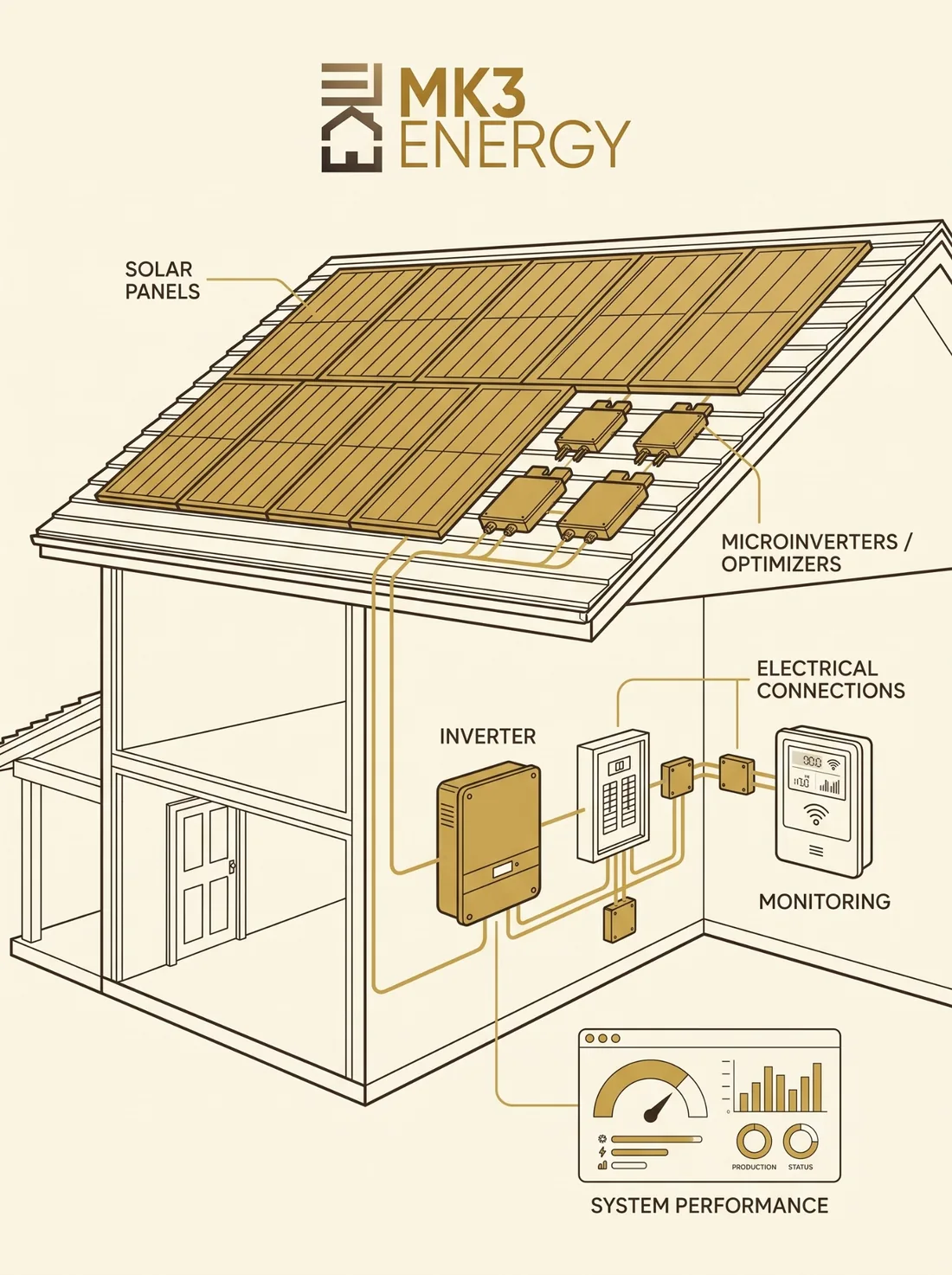
2. Identify the panels, inverter, battery, and monitoring platform.
The U.S. Department of Energy specifically advises homeowners to identify panel and inverter manufacturers when an original installer is no longer in business and to contact qualified local installers familiar with the equipment. Photos of labels and model numbers can help when paperwork is missing.
Brand, model, visible lights, error code, serial number.
Portal/app name, screenshots, last date production data appeared.
Brand, current status, warnings, and whether backup behavior changed.
Manufacturer if known, visible damage, recent roof work, tree or weather events.
3. Separate the installer warranty from manufacturer warranties.
A workmanship warranty from the installer and a written manufacturer warranty on a panel, inverter, optimizer, microinverter, or battery are not the same promise. The FTC recommends reading the written warranty to understand who provides coverage, what is covered, what is excluded, and the claim process. A manufacturer warranty may still exist after an installer closes, but it is not automatic and MK3 does not determine or guarantee coverage.
4. Preserve your records before access changes.
Download monitoring screenshots, proposals, contracts, warranty documents, PTO/interconnection records, equipment lists, invoices, previous service tickets, and recent utility bills. If a portal or installer login disappears later, those records can save time during diagnosis.
5. Determine whether the system is actually broken—or only invisible.
An offline monitoring app can feel like the system has failed, but monitoring and production are not always the same thing. Conversely, a portal can be online while a section of the array is underperforming. A proper diagnostic looks at the physical equipment and production evidence instead of relying on one screen.
6. Use a qualified repair provider for the installed equipment.
Look for a provider whose scope actually includes service, diagnostics, inverter work, monitoring, and existing-system repair. Ask whether the company works on systems it did not install and whether the call is a repair visit or primarily a sales appointment for a replacement system.
7. If you suspect fraud or unresolved consumer harm, use the appropriate consumer channel.
The FTC directs consumers with unresolved solar problems or deceptive practices to ReportFraud.ftc.gov and their state attorney general. Contract, financing, bankruptcy, and warranty disputes can involve legal rights beyond the scope of a repair company.